CompTIA A+ practice test — with hands-on labs, not just flashcards
Most CompTIA A+ prep stops at multiple-choice questions. CrushCert adds hands-on labs built like the exam’s PBQs — the drag-and-drop and troubleshooting questions most people fail on — alongside 870+ adaptive practice questions and a full timed mock exam. Whether you need an A+ certification practice test for Core 1 or Core 2, everything for the exam is here, in one place.
7 days free · No card required · Built to pass you on the first try
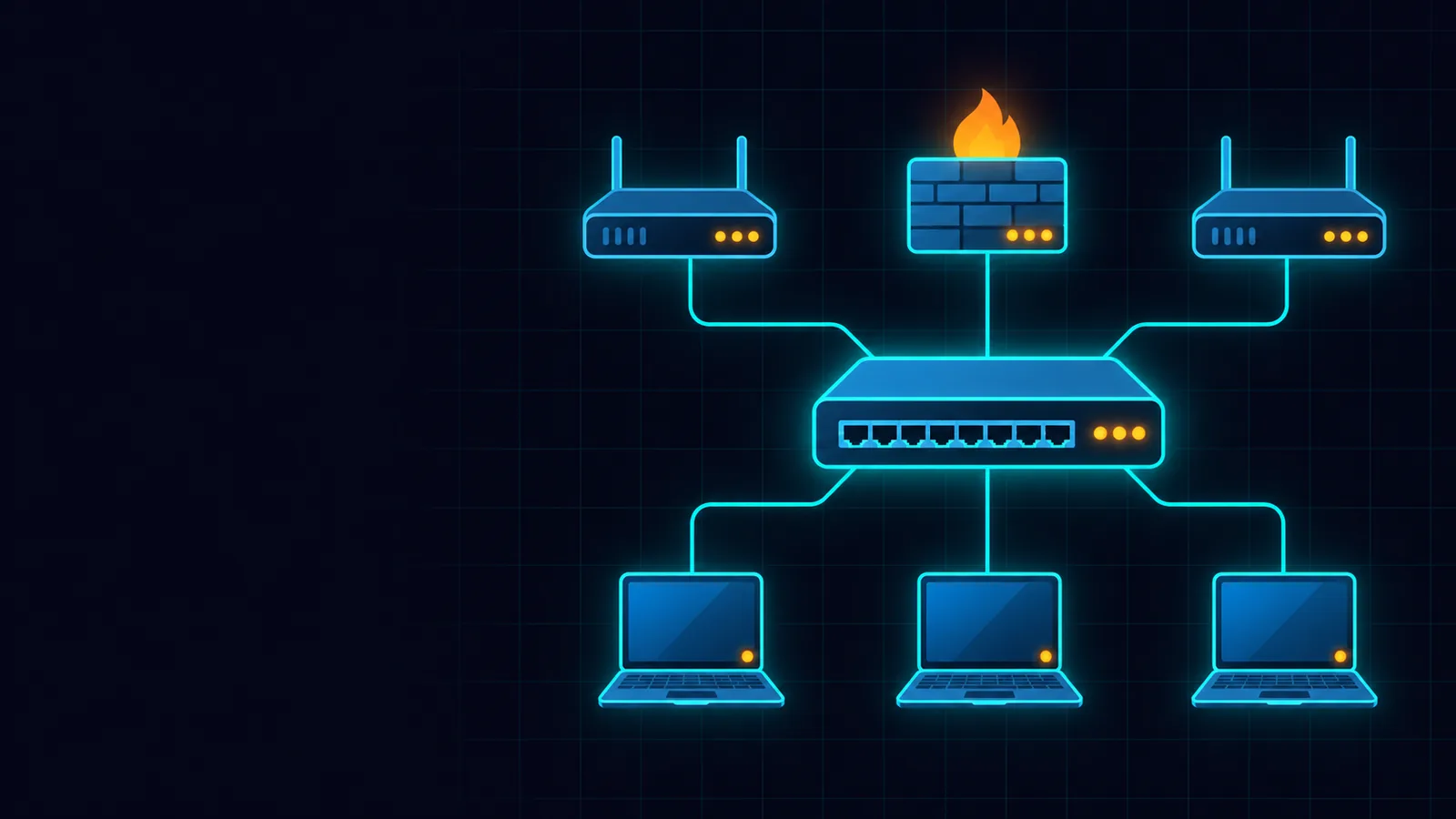
How CrushCert gets you exam-ready
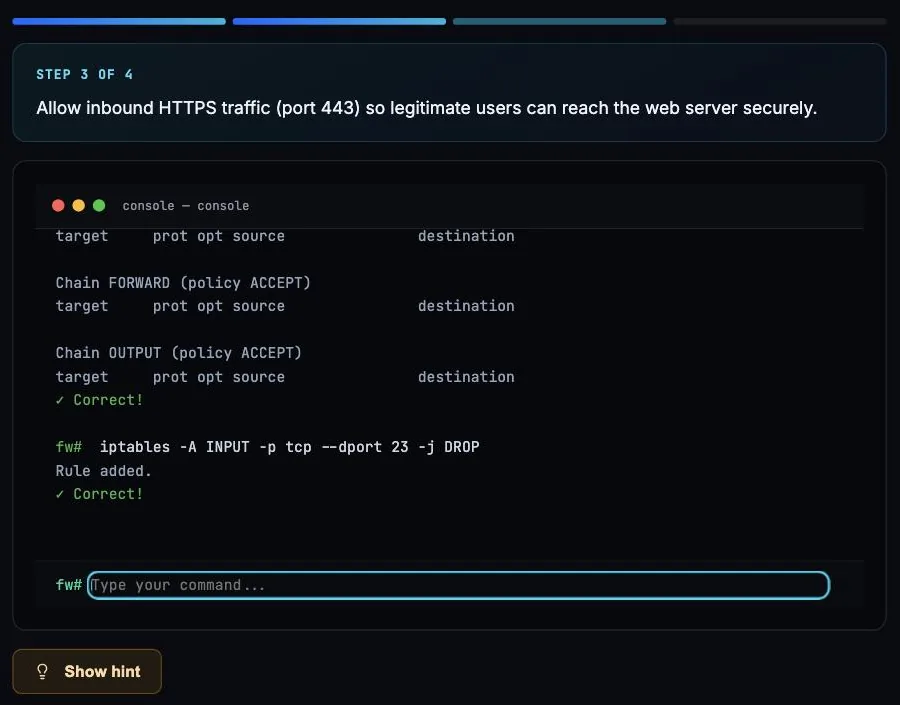
Hands-on labs
Drag-and-drop to match concepts and work through real troubleshooting scenarios — exactly the performance-based tasks the exam throws at you, not just multiple choice.
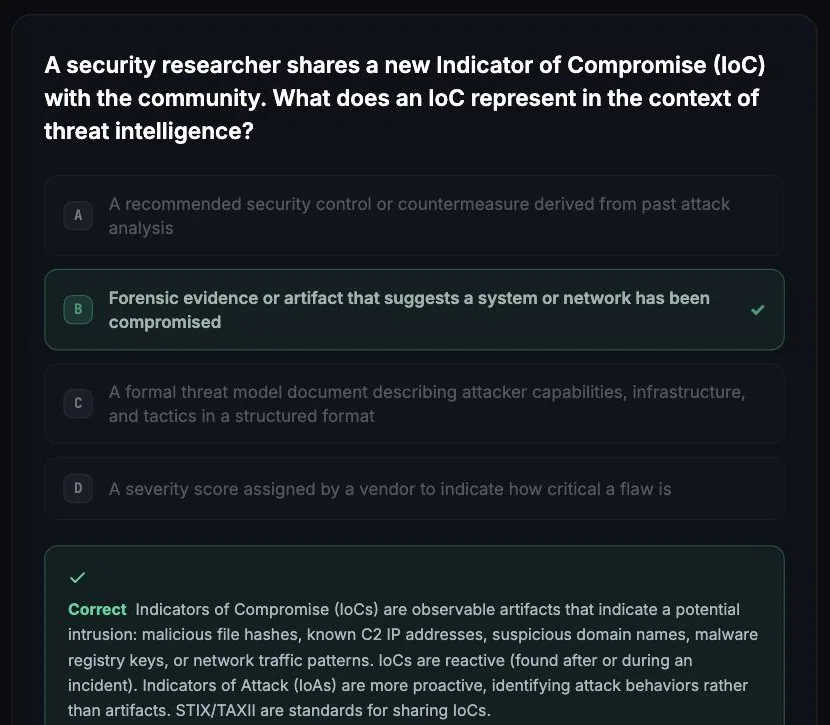
Adaptive practice quizzes
Every practice quiz tracks the questions you miss and serves more of those topics, so your weak areas get more reps and every session moves your score.
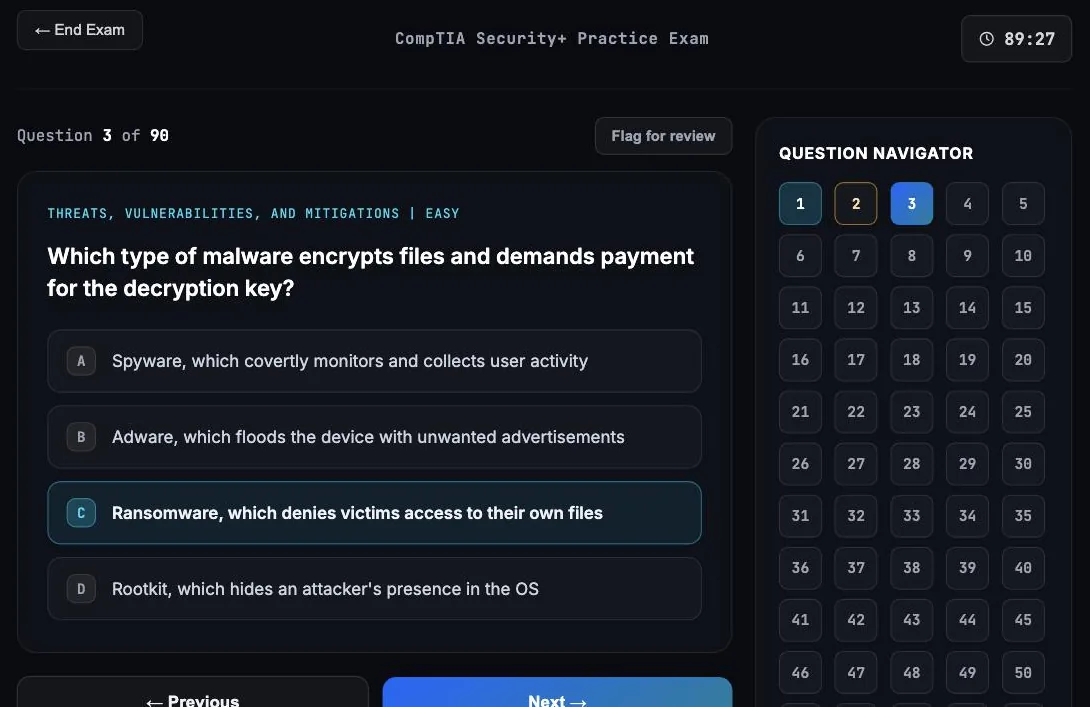
A+ exam simulator
A full CompTIA A+ exam simulator: full-length, timed mock exams that mirror the real test — countdown timer, question navigator, mark-for-review, and a 75% pass line so you know you're ready before exam day.
What studying looks like
Real screens from CrushCert's CompTIA track (shown: Security+), not mockups.
What's on the CompTIA A+ exam
CompTIA A+ is two exams — Core 1 (220-1201) and Core 2 (220-1202) — up to 90 questions each in 90 minutes, scored on a 100–900 scale (pass 675 for Core 1, 700 for Core 2). Each exam is about $265. Domains by core:
| Domain | Weight |
|---|---|
| Mobile Devices (Core 1) | 13% |
| Networking (Core 1) | 23% |
| Hardware (Core 1) | 25% |
| Virtualization & Cloud (Core 1) | 11% |
| Hardware & Network Troubleshooting (Core 1) | 28% |
| Operating Systems (Core 2) | 28% |
| Security (Core 2) | 28% |
| Software Troubleshooting (Core 2) | 23% |
| Operational Procedures (Core 2) | 21% |
CrushCert's question bank and labs map to every domain. Hands-on lab and topic coverage includes:
Train on every domain above
Adaptive practice questions and hands-on labs mapped to these exact domains. 7 days free, no card required.
Start free trialFree CompTIA A+ practice questions: are you ready?
Ten questions across all nine exam domains. Answer each one, see the explanation, and find out which topic to work on first. No account needed.
Free readiness check
Calls use the cellular radio (baseband) and SIM; Wi-Fi still working points there, not to the Wi-Fi, GPS, or Bluetooth radios, which are separate.
HTTPS runs over TCP port 443. Port 80 is plain HTTP, 21 is FTP, and 3389 is RDP. Common port numbers are heavily tested on Core 1.
HDMI carries both video and audio in one cable. VGA and DVI carry video only, so they need a separate audio connection.
Intel VT-x (AMD-V on AMD) provides hardware-assisted virtualization. Hypervisors like Hyper-V and VirtualBox need it enabled in firmware.
A non-spinning CPU fan must be addressed immediately. While temperatures may appear normal at idle, any load will cause the CPU to overheat rapidly without active cooling, potentially causing permanent damage.
A 32-bit version of Windows can address a maximum of 4 GB of RAM; a 64-bit version is required to use more. Every CrushCert question includes an explanation like this.
Combining something you know (a password) with something you have (an app code) is multi-factor authentication (MFA). Single sign-on (SSO) reuses one login across apps and is a different concept.
CRITICAL_PROCESS_DIED (stop code 0x000000EF) occurs when a critical Windows process (winlogon.exe, wininit.exe, csrss.exe, services.exe, etc.) exits unexpectedly. Repair approach: (1) Safe Mode → sfc /scannow (repair system files); (2) If SFC fails → DISM /Online /Cleanup-Image /RestoreHealth → sfc again; (3) Check for malware in Safe Mode with Networking; (4) If Safe Mode also BSODs → WinRE → Startup Repair; (5) System Restore to a point before the issue; (6) Reset this PC as last resort before full reinstall.
UPS batteries degrade over time (typically 3-5 years) and lose their ability to hold a charge. When a UPS detects a weak battery, it alerts with audible beeps and visual indicators. A failed UPS battery means the server has no protection against power outages. UPS batteries should be replaced proactively based on age and on-time readings from the UPS management software. Self-test results showing less than full runtime capacity also indicate battery replacement is needed.
SFC (System File Checker) with /scannow scans all protected Windows system files and replaces corrupted or missing files with the correct Microsoft version.
Why learners pick CrushCert
You practice the way the exam tests you. The exam includes performance-based and scenario items — not just recall. Prep that's only flashcards leaves you guessing on test day. CrushCert's labs put you in the driver's seat.
Pay for one exam or all of them. CompTIA A+ alone is $10/month; the Associate plan is $19/month and covers CCNA, CompTIA A+, Network+, Security+, Azure Fundamentals, and several AWS exams — so if you're stacking certs, it's all included.
You always know your readiness. A live readiness score blends your quiz accuracy, mock results, and lab performance, and points you to exactly what to study next.
A guided plan tells you what to study today. Guided Learning builds a short daily plan from your performance — a warm-up review, a lesson on your weakest topic, flashcards, and a hands-on lab, all in about 20 minutes, with spaced repetition so material comes back right before you'd forget it.
Keep learning: CompTIA A+ guides & next steps
Best CompTIA A+ practice tests in 2026
Professor Messer, Jason Dion, CertMaster, CrushCert and more — pros, cons, price, and who each is best for.
CAREERIs CompTIA A+ worth it in 2026?
Cost, the jobs it actually opens, difficulty, and study time — plus who should skip straight to Network+.
CERT PATHSecurity+ vs Network+: which should you take first?
A clear comparison of difficulty, content, and careers — and how to decide which CompTIA cert to tackle first.
Ready for the next cert? CrushCert also covers Network+, Security+, CySA+, and CASP+ / SecurityX — the whole CompTIA path in one plan.
Ready to crush the CompTIA A+?
Adaptive questions, hands-on labs, and full mock exams — start free for 7 days, no card required.
Start studying freeCompTIA A+ FAQ
How many exams are in CompTIA A+?
A+ requires passing two exams — Core 1 (220-1201) and Core 2 (220-1202). Each has up to 90 questions in 90 minutes, including performance-based (hands-on) items.
Does CrushCert include hands-on A+ labs?
Yes. You work drag-and-drop and troubleshooting scenarios that mirror A+ performance-based questions across hardware, operating systems, networking, and security.
What score do you need to pass A+?
Both exams are scored 100–900: Core 1 passes at 675 and Core 2 at 700. CrushCert mock exams use a 75% pass line to keep your practice realistic.
How long does it take to study for A+?
Many candidates spend 2–3 months across both cores. CrushCert's weak-area targeting helps you split time between Core 1 and Core 2 efficiently.
Is CrushCert a CompTIA A+ exam simulator?
Yes — CrushCert works as a full CompTIA A+ exam simulator. You get timed mock exams that replicate the real 220-1201 and 220-1202 testing experience, adaptive practice quizzes, and hands-on labs, so practice feels like the actual exam.
Is there a free CompTIA A+ practice quiz?
Yes. You can start a free CompTIA A+ practice quiz with a 7-day trial — no card required. The quiz adapts to your weak areas, and every question includes an explanation so you learn as you go.